Visual testing catches user interface bugs early
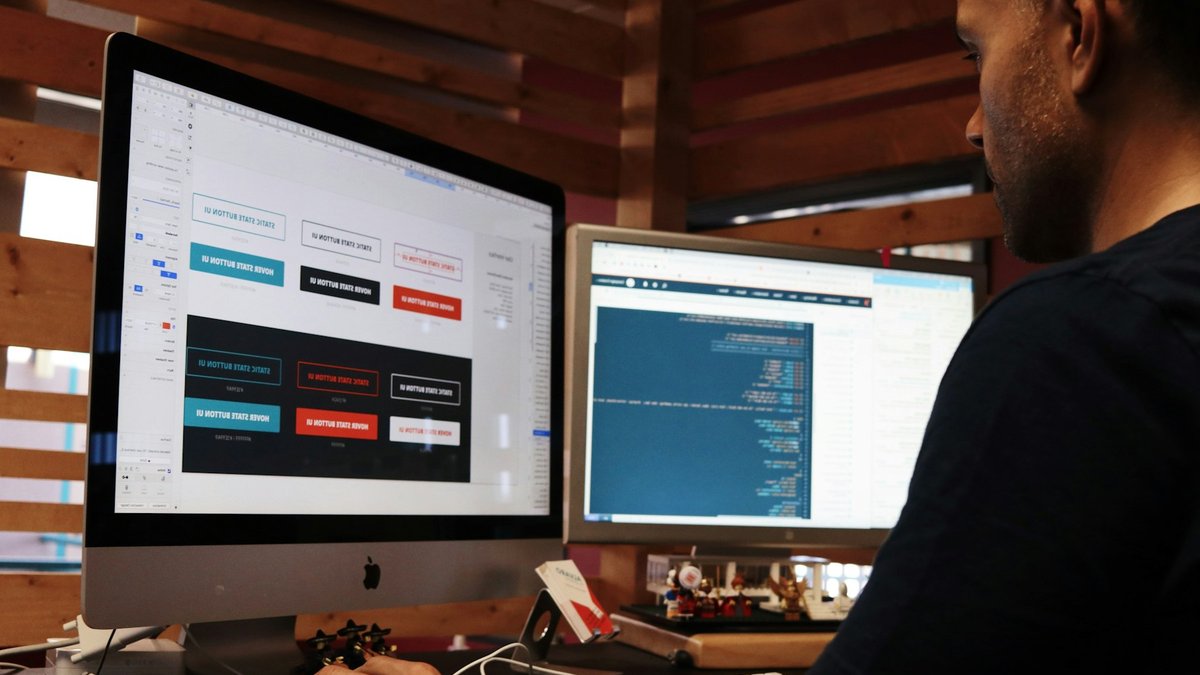
A minor visual error—like a button slightly out of place or a font size that’s off—may appear insignificant, yet users quickly spot these issues. Even small problems, such as a glitch on a payment page or a layout breaking on mobile devices, can drive customers away to competing services. That’s why development teams can’t rely on discovering UI flaws through customer service requests or social media feedback alone.
Visual regression testing addresses this by comparing each new interface version against a previously approved standard before deployment, uncovering issues that standard functional tests overlook.
Understanding Visual Regression Testing
The core principle of visual regression testing is straightforward: document the current appearance of the interface, then automatically compare future versions against this reference. The real value emerges in execution, as teams leverage specialized tools to automate screenshot capture and comparison across numerous browsers, screen sizes, and device configurations simultaneously, a scale manual testing simply cannot match.
Each page or component is rendered and captured at a pixel level before being compared to the stored baseline. Any deviation beyond an acceptable threshold is flagged visually, allowing developers to pinpoint exactly where and how the change occurred. This process integrates seamlessly into continuous integration/continuous deployment (CI/CD) workflows, ensuring every code change undergoes a visual inspection before merging, with issues surfacing within minutes rather than days.
Read Also: Mini-split heat pumps draw more power in winter
A baseline image represents a screenshot taken when the UI is confirmed as correct. Once approved, this image is saved, and every subsequent build generates a new screenshot of the same state. The system then analyzes the differences between the two images pixel by pixel. Teams adjust sensitivity levels, with stricter settings detecting even single-pixel changes, while looser thresholds ignore minor visual variations like anti-aliasing artifacts.
Cross-browser and viewport consistency is another critical aspect. A design flawless in one browser may fail in another due to variations in CSS rendering, font display, or flexbox handling. Manual cross-browser testing is impractical due to the sheer number of possible configurations. Visual regression testing automates this process, running tests across multiple browser and viewport combinations in parallel, each with its own baseline comparison. This ensures that bugs, such as those appearing only on a 375-pixel-wide screen in a specific browser, are identified before they affect real users, allowing fixes to be implemented quickly by the developer responsible.
Identifying Issues Functional Tests Overlook
Functional tests verify that interactions work as intended, for example, confirming that clicking a button triggers the correct action or that form submissions return expected results. However, they do not check whether elements are visible, properly aligned, or unaffected by recent CSS updates that might push them off-screen on mobile devices. These visual inconsistencies escape traditional testing methods entirely.
Visual regression testing treats the displayed interface as the final product, not just the underlying code. It detects visual defects that functional tests miss, including unintended CSS changes and cascading style effects. A modification to a shared stylesheet, utility class, or design token can alter dozens of components unpredictably. While functional tests confirm that pages load and links function, they fail to spot visual discrepancies. Visual regression testing highlights these issues by comparing rendered outputs, pinpointing affected pages, browsers, and viewport sizes, making fixes precise rather than speculative.
Read Also: Xiaomi Launches Premium Smartphones with Leica Cameras Globally
The system also accounts for dynamic content, localized text, and varying data lengths by testing components in multiple states, such as empty, populated, error, or loading, and comparing each independently. Teams can further stress-test layouts using edge-case data, though this requires initial setup. The resulting coverage far exceeds what manual testing of a few demo accounts could provide. Balancing sensitivity and flexibility is key, allowing intentional design updates while still catching unintended visual errors.
With visual regression testing, developers become aware of visual issues while the code is still fresh, enabling faster resolutions. The end result is a user interface that matches the team’s approved design, reducing the likelihood of post-release bugs. While challenges exist in implementation and maintenance, integrating this approach into CI/CD pipelines optimizes testing efficiency.
Ensuring Full Content and State Testing
A product card designed to display neatly with short titles may become misaligned or cut off when longer database entries appear. Visual regression testing reveals exactly which components and pages are affected by such unintended changes.


