How to Sync Fitbit to Apple Health
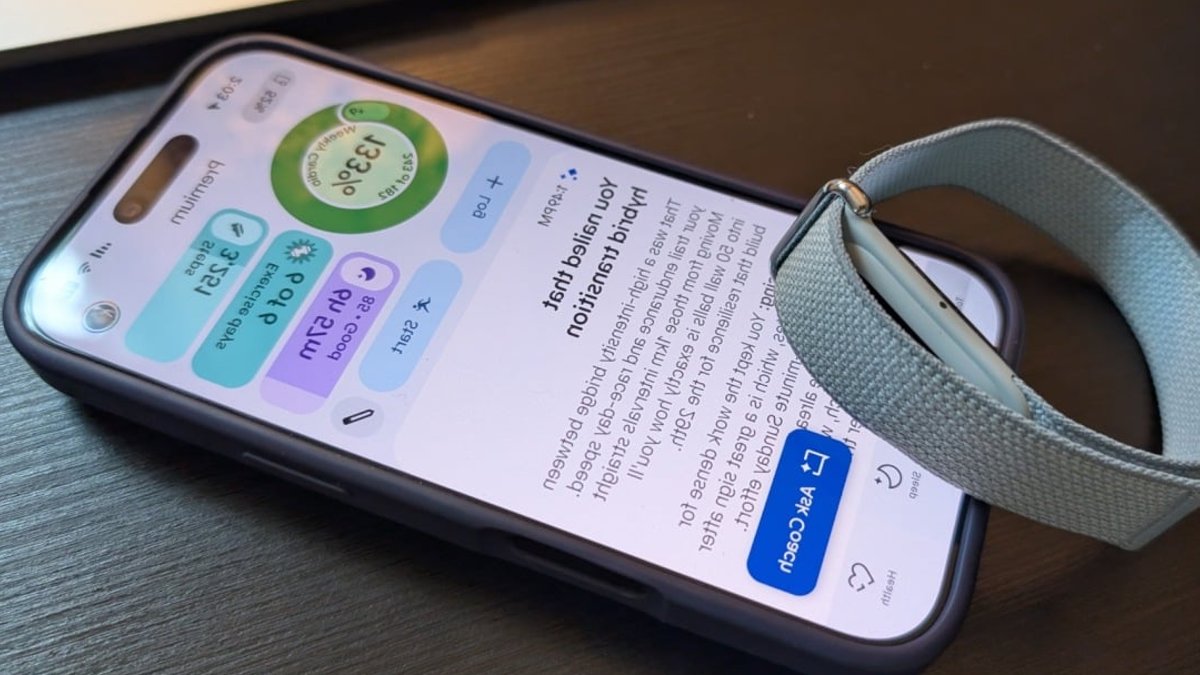
Fitbit trackers are a favorite option for fitness enthusiasts because they are thin, unobtrusive, and cheap, making them a go-to choice for many users. Their affordability is often highlighted by pricing, such as the $99.00 found at Amazon. However, the software side of the experience has always had its problems. The Google Health app, formerly known as the Fitbit app, has historically struggled with integration issues. Things might be turning around with a new update that finally allows the app to send data to Apple Health.
A Long-Awaited Connection
Historically, Google Health could pull fitness, sleep, and wellness stats directly from Fitbit devices without much trouble. The capability to ingest this information was never the primary hurdle; the issue was always where that data went next. Fitbit hardware lacked a built-in way to sync directly with Apple Health. This forced users who wanted their data to be visible in Apple’s ecosystem to rely on third-party tools or manual workarounds. Previously, anyone who wanted their data to flow effectively between ecosystems had to turn to these external or manual methods. It was a frustrating gap in functionality for anyone using an iPhone alongside a Fitbit tracker, creating a disjointed experience where data was trapped in one software environment.
The latest update resolves this by allowing key metrics to flow into Apple Health. Users can now sync step counts, distance traveled, heart rate, and sleep data. This means the metrics displayed on your phone will more seamlessly reflect what your Fitbit has been tracking, creating a unified view of your health. By bridging this gap, the application ensures that the record of physical activity is no longer isolated within Google’s software walls.
This shift signals a slow erosion of the strict walled gardens that have defined health tracking for years. Where users once had to choose an ecosystem and stick to it, this update acknowledges that hardware preferences rarely align perfectly with software loyalty. It mirrors the slow integration seen with other smart home devices, where convenience eventually wins out over brand exclusivity. The move suggests a future where interoperability takes precedence over locking users into a single brand’s suite of products, allowing for a more flexible user experience.
Related: JBL Speaker Discounted 38 Percent Off
How to Enable Syncing
To start syncing your data, you first need to update the Google Health app. Open the Apple App Store, handle to your updates list, and select Update next to the application. Once the latest version is installed, open the app and tap “Connections” in the top left corner. From this menu, select “Apps and services” and then proceed to add Apple Health to your connected list.
It is important to note that the rollout of new features can sometimes be inconsistent. If you do not see the syncing option right away, the recommended troubleshooting step is to try closing the application entirely and refreshing it. This simple action often prompts the system to recognize newly available integration features.
Limitations and Alternatives
Unfortunately, as of this writing, the update isn’t perfect: Some users on Reddit have pointed out that certain metrics, like heart rate variability, aren’t included in the transfer—or at least, not yet. This omission may be significant for those who rely heavily on detailed recovery metrics. Time will tell if another update fixes these missing metrics and brings the integration to full parity. And if missing HRV stats is a dealbreaker for you, check out the iPhone app Bevel, which can be a decent all-around replacement for the Google Health app.

JBL Speaker Discounted 38 Percent Off


