Samsung turns off notification categories by default
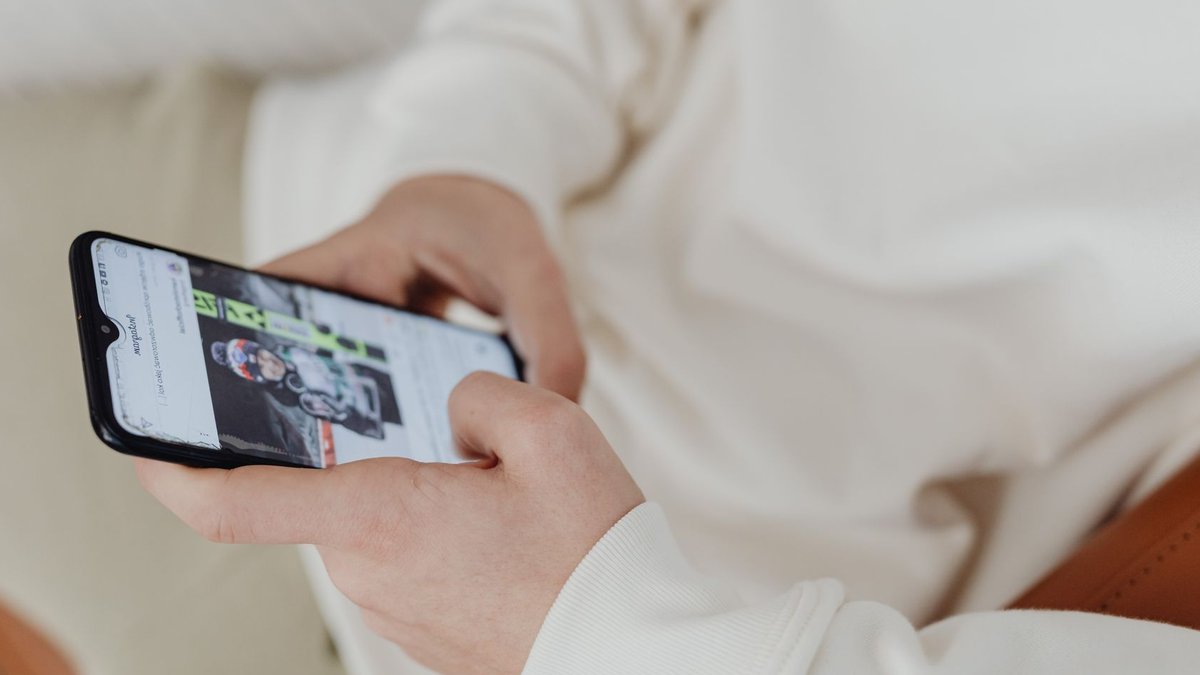
Samsung has disabled its Notification Categories feature by default in One UI 6.1, making it more difficult for users to manage per-app alerts without exploring settings menus. The change applies to current Galaxy devices running the latest software, though the feature still exists—just hidden.
The feature allows users to block or allow specific types of notifications within an app instead of toggling all alerts on or off. For example, someone could keep weather updates from Samsung News while silencing sports scores, or allow direct messages on Instagram while muting promotional posts. It works across first-party and third-party apps, serving as Samsung’s equivalent of Android’s Notification Channels on Pixel and stock devices.
Android Police noted the change, explaining that the tool differs from Samsung’s newer Notification Highlights, an AI-powered system that summarizes and prioritizes alerts. While Highlights can reduce the need for manual filtering, it’s only available on recent flagship models, leaving mid-range and older devices without that option.
Related: Gaming Tournament Kicks Off in Paris
This level of control isn’t new, but its placement in One UI 6.1 shows Samsung’s current focus. The feature is now located under several submenu layers and requires using the AI-powered search in the Settings app to find it. The setting is easy to access only if users know the exact search terms; otherwise, it is difficult to locate.
How to find and enable the feature
To restore Notification Categories, users must search for it in the Settings app. Typing “notification categories” returns two results: one under Galaxy Themes, which isn’t the correct setting, and another labeled Manage notification categories for each app. Selecting the latter opens a toggle in Advanced Settings, where the feature can be turned on.
After activation, each app’s notification types require individual configuration. There’s no single dashboard—users must adjust settings app by app. A quicker method exists: when a notification appears, long-pressing it opens a direct link to its category settings. Even so, the process takes time, particularly for those setting up multiple devices.
Related: Tips for Choosing a Logistics Company
Samsung doesn’t sync notification preferences across devices, so users with more than one Galaxy phone or tablet must repeat the setup on each. The company hasn’t announced plans to restore the feature as a default or add cross-device syncing in future updates.
The feature remains available in One UI 8.5, the latest version of Samsung’s software, but its future isn’t guaranteed. For now, users who depend on fine-grained notification controls must manually enable it after each device setup or software update.
Android Police notes that combining Notification Categories with Notification Highlights can reduce the number of apps needing manual adjustments. Since Highlights is limited to high-end models, the solution isn’t universal. Until Samsung revises its approach, users must handle a system that has become less straightforward.

Gaming Tournament Kicks Off in Paris


