Seven Surprisingly Useful Mac Apps You’ve Never Heard Of
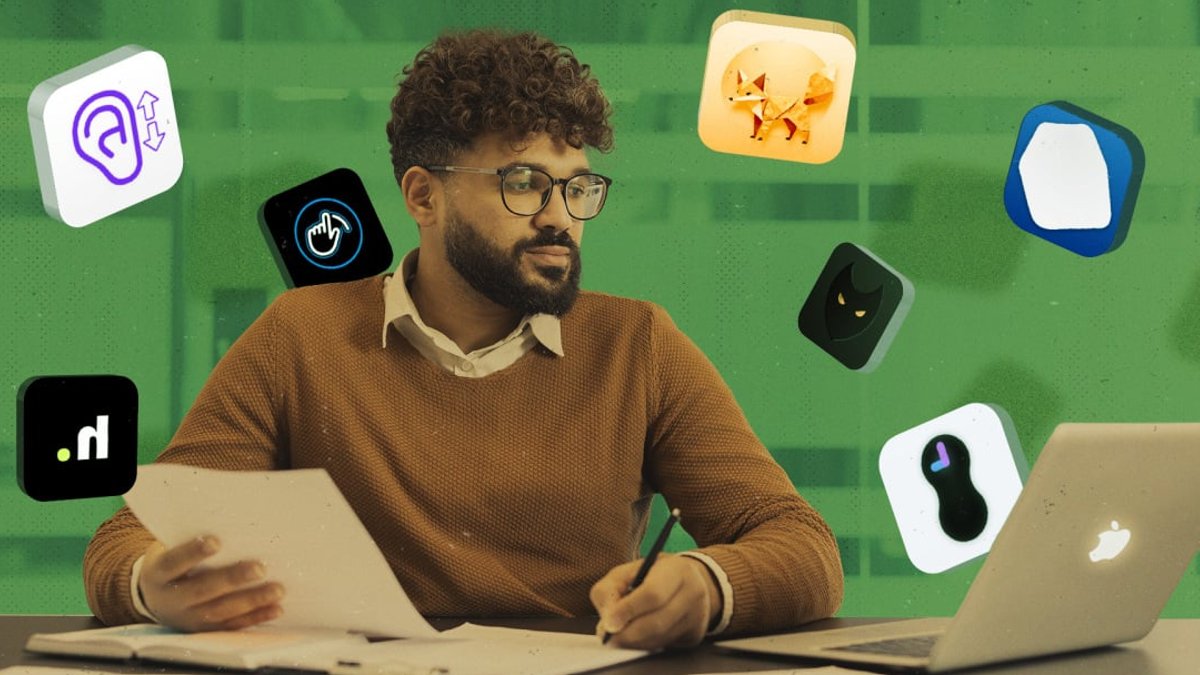
Most people spend their days on macOS using a handful of familiar tools. Browsers, Notes, and music apps dominate the screen. The operating system offers many more options for those willing to look past the defaults. These lesser-known utilities handle specific tasks efficiently, improving the daily workflow without requiring complex setup.
ScrollPods uses the accelerometer in AirPods to control the cursor. The app reads the angle of the headphones to scroll through documents and webpages. A slight tilt moves the page up or down. The setup process is straightforward, and sensitivity settings allow for fine-tuning. This method removes the need to reach for the trackpad or mouse.
For trackpad users, Slidr adds physical controls to the MacBook touch surface. The left side of the pad controls screen brightness. The right side adjusts the volume. These gestures function while typing or scrolling, reducing interruptions to the workflow. The app runs from the menu bar and offers options for sensitivity and slider placement.
Pipiri creates a picture-in-picture window that overlays other applications. This feature works with any open window on the desktop. Users can keep a chat window or an AI interface visible while working in another app. The software supports custom refresh rates and hotkeys for quick access.
Haptyk utilizes the accelerometer inside Apple Silicon keyboards to generate sound. It detects how hard a key is struck and plays a corresponding mechanical keyboard effect. The app adds audio feedback across all programs. There are 16 sound packs available, covering different switch types and mechanical sounds.
Stealthy prepares the desktop for video calls. It hides desktop icons, the wallpaper, and the dock. It also silences notifications and closes unwanted app windows. The tool can launch automatically when a call starts, solving the problem of what to hide when someone asks to share your screen.
Gestimer creates timers by dragging an icon from the menu bar. The length of the drag determines the time set. This simple interface removes the need to open a calendar app or type numbers. A persistent countdown appears in the menu bar to track the time remaining.
Unclack mutes the microphone during typing. It is useful for those who type loudly, especially if they use Haptyk for sound effects. The app runs in the background and activates automatically. Users can disable it quickly when they need to speak. It provides a quiet experience during video meetings.
Some users might seek a more budget-friendly option for content creation. A vlogging camera can offer better quality than the built-in webcam on a laptop. A discount of 130 dollars makes the investment more accessible for hobbyists.

Vlogging camera discounted by 130 dollars


